WeightLog
Weight tracker app
The weight tracker with a friendly face
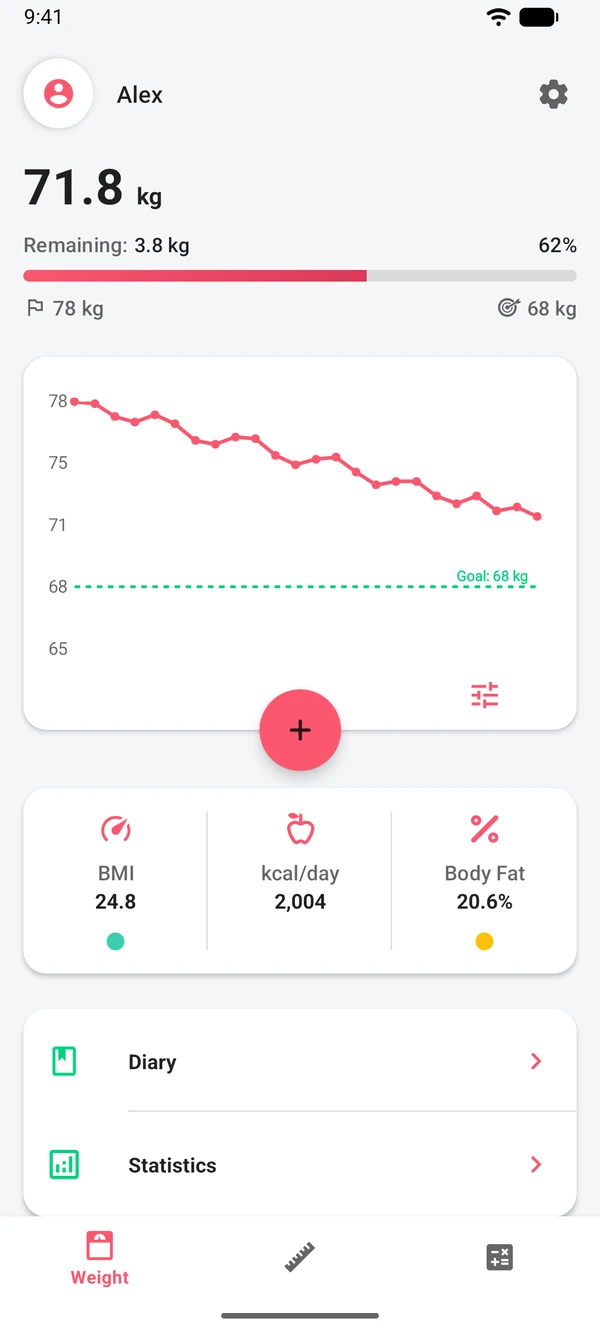
Log your weight in a few taps and watch the trend on a clear chart. Body measurements, progress photos and goals sit right alongside. No judgment, just your numbers.
- Weight
- Body measurements
- Progress photos
- Goals
- 6 calculators

The log
Your weight, written down
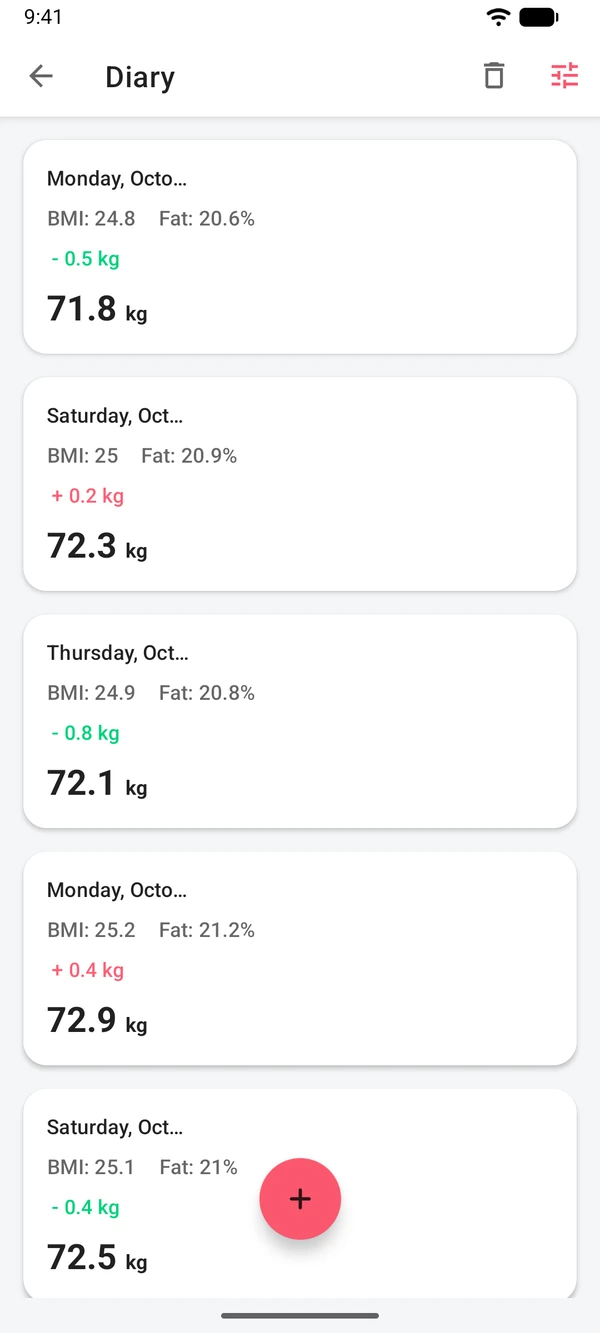
WeightLog is a diary first. Every weigh-in gets a date and time, an optional note and a photo if you want one. Over the weeks the entries turn into a line you can read at a glance.
- 1A few seconds a daySlide the ruler to today's weight and save. That's the whole routine.
- 2Heavier days happenWeight goes up and down from day to day. The chart shows several weeks at once, so one heavier morning stays in proportion.
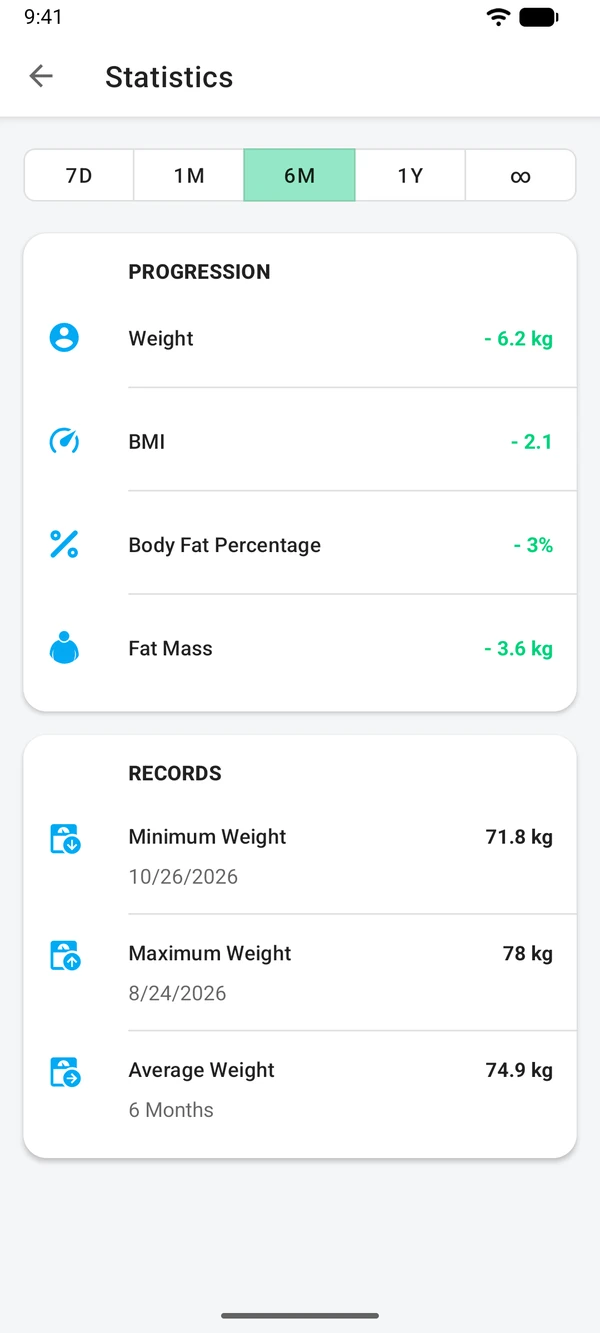
- 3Look back anytimeStatistics for a week, a month, a year or all time, with your lowest, highest and average weight.

What it does
More than a number on the scale
Your weight is one part of a longer story. WeightLog keeps the whole story in one place.
Reminders on your schedule
Pick the days and the time, and WeightLog reminds you to weigh in.

Measure what matters to you
Track a body measurement of your choice, like your waist, hips or biceps, with its own chart. Premium lets you add as many as you like.

Aim either way
Losing or gaining, set a goal and see how far you've come and what's left.

See the change
Add progress photos to your entries and look back at them whenever you like.
- Charts and statisticsWeight and measurement charts, with an optional line for your goal or healthy weight range.
- Home screen widgetsThree widgets keep your weight, measurements and BMI in sight.
- Health ConnectBring in readings from smart scales and other apps, and share your entries back.
- Google Drive backup PremiumSave a copy of your data to your own Google Drive and restore it on a new phone.
- CSV export PremiumExport your weight and measurements to open in a spreadsheet.
- Your unitsKilograms, pounds or stones; centimeters or feet and inches.
Inside the app
A quick look around
Real screens from WeightLog on Android.
Statistics
Diary
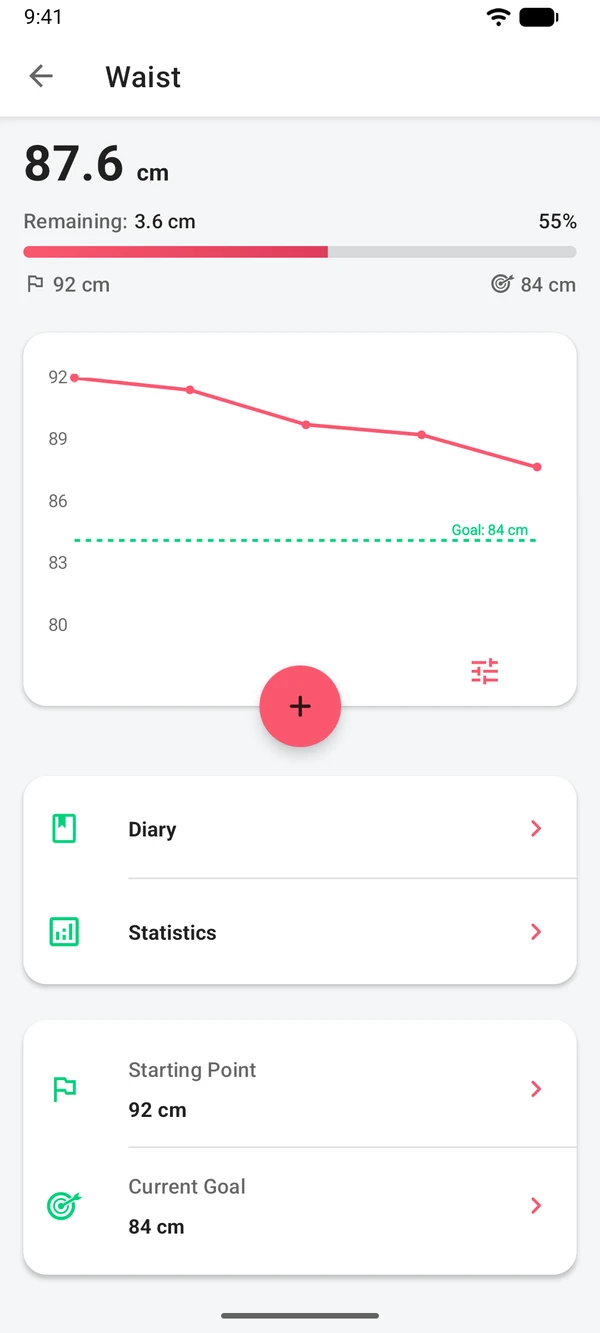
Measurements
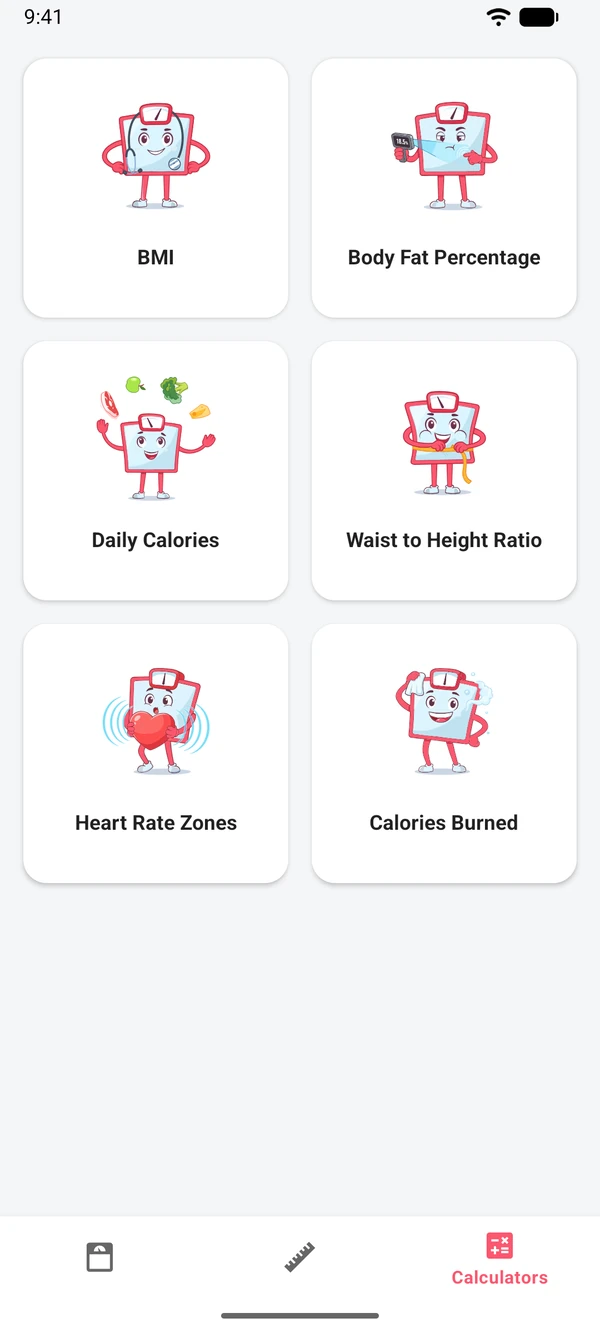
Calculators
Free calculators
Six calculators from the app, right here
They use the same formulas as WeightLog, so a result here matches the app. Each one gives an estimate for adults, not a diagnosis.
BMI
Your body mass index and the healthy weight range for your height.

Body fat
An estimate from neck, waist and hip measurements with the U.S. Navy method.
Daily calories
Your basal metabolic rate and the calories to maintain, lose or gain weight.

Calories burned
The energy you use in 25 activities, from walking and running to cycling and swimming.

Heart rate zones
Your estimated maximum heart rate and five training zones in beats per minute.

Waist-to-height ratio
How your waist compares with your height: a quick check of fat around the middle.
Questions
Something else on your mind? Write to us: we read every message. despdevs@gmail.com
Is WeightLog free?
Yes. WeightLog is free to download and use, with ads. An optional Premium upgrade removes the ads, lifts the limits on profiles and measurements, and adds Google Drive backup and CSV export.
Can I use pounds or stones?
Yes. WeightLog works in kilograms, pounds or stones, and in centimeters or feet and inches. The calculators on this site switch units too.
Can I bring in data from my smart scale or another app?
If your scale or app shares weight with Health Connect, WeightLog can import those readings. It can also write your entries to Health Connect for other apps to use.
What happens to my data if I change phones?
If Android backup is turned on, it keeps a copy of your entries in your Google account, and you can restore them when you set up the new phone. Progress photos aren't part of that copy. With Premium, you can also back up your entries and photos to Google Drive or a file, and export your weight and measurements as a CSV file.
Are the calculators medical advice?
No. They give estimates from standard formulas and are meant for adults. For decisions about your health, talk to a doctor.

Start your log today
Free on Google Play. Set it up once, then just step on and log.